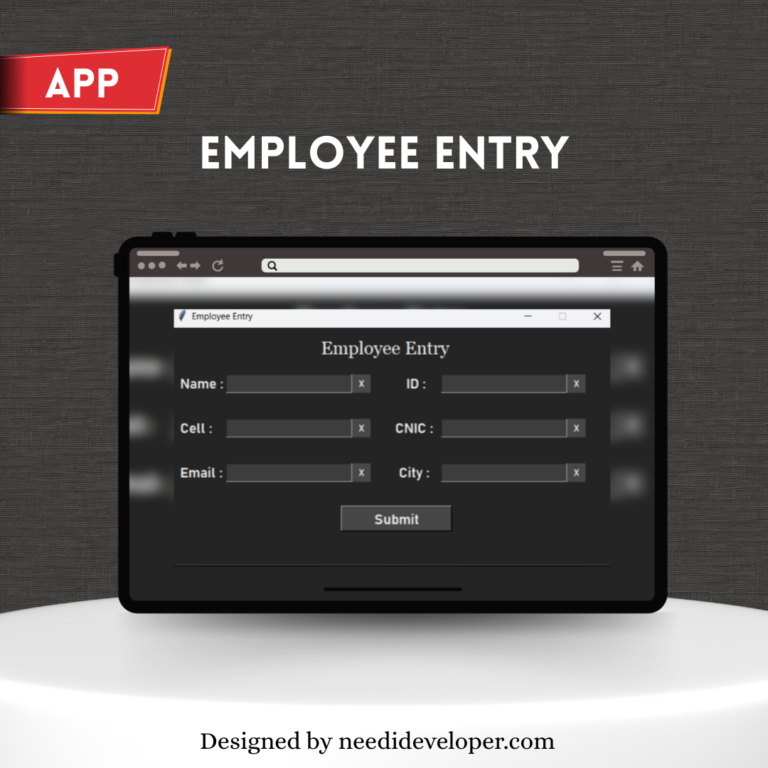
Student Data Entry Application — Python + Tkinter + Excel
A simple yet powerful Python Data Entry Application using Tkinter GUI and Excel (pandas + openpyxl) to store student information. Ideal for learning data management, GUI design, and Excel automation in Python.
This Student Data Entry Application allows users to input and store student details — including name, marks, roll number, and contact number — directly into an Excel sheet using Python.
It’s a perfect beginner-to-intermediate project that demonstrates how to collect data via a Tkinter GUI, validate inputs, and append them into an Excel file using pandas and openpyxl for persistent local storage.
⚙️ Core Features
🧾 Form-Based Data Entry: Easy-to-use fields for entering student details (name, marks, roll number, contact).
💾 Excel Integration: Automatically saves and appends new entries to Student_Info.xlsx.
⚡ Error Handling: Catches invalid inputs and shows friendly error messages using message boxes.
🎨 Modern GUI: Clean and responsive Tkinter interface with dark-mode design.
🔁 Auto-Append Mode: New records are seamlessly added without overwriting previous data.
🧰 Tech Stack
Language: Python 3+
Libraries Used:
tkinter — GUI interface
pandas — data handling
openpyxl — Excel file operations
os — file checking and path management
messagebox — notifications and alerts
💡 Highlights
Lightweight and works completely offline.
Demonstrates Excel automation without needing databases or APIs.
Can easily be expanded to include search, delete, or update features.
Practical use case for schools, small offices, or individual record-keeping.
Project Preview
Ready to Grow Your Business Online?
Let’s chat and discover how our all-in-one digital solutions can help you attract, engage, and convert more customers.
We use cookies to ensure that we give you the best experience on our website. If you continue to use this site we will assume that you are happy with it.