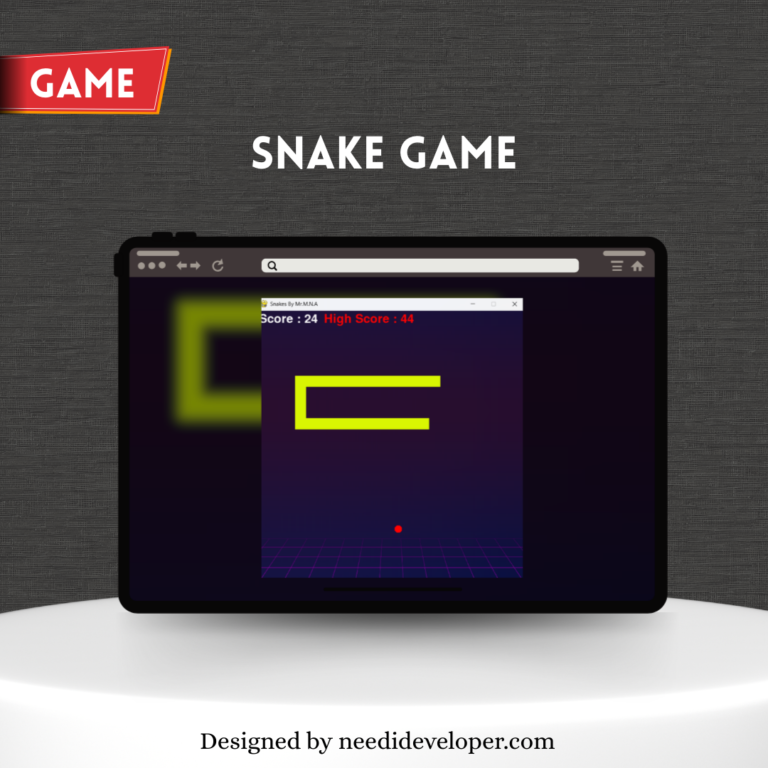
Classic Snake game built in Python with Pygame — fast, responsive desktop UI, smooth controls, and customizable speed/levels. Ideal demo project for game & GUI skills.
Snake — Classic Arcade Game (Python + Pygame) This Snake game is a polished, desktop arcade clone built with Python and a user interface powered by Pygame. The game recreates the timeless Snake experience with smooth animations, responsive keyboard controls, and progressively challenging levels. Players guide the snake to collect food items, grow longer, and avoid collisions with walls or itself. The project includes adjustable difficulty (speed), score tracking, a pause/resume feature, and clean start/game-over screens with restart options.
Designed as both a learning project and a professional demo, this implementation emphasizes clean code structure, event-driven design, and reusable game loop patterns—making it an excellent example for portfolios or beginner game development tutorials. It also demonstrates practical skills in sprite management, collision detection, UI rendering, and basic game state management. Ideal for recruiters or clients to evaluate core programming ability, algorithmic thinking, and UI design using Python.
Highlights: playable on desktop, lightweight dependencies, easy to extend (multiplayer, levels, or AI). Includes README with setup and instructions.
🔹 Tech Stack & Tools
Python 3.10+ (or 3.11/3.13 compatible)
Pygame (latest stable)
Local assets: PNG sprites / simple SVG for UI text (optional)
Development: VS Code / PyCharm
🔹 Key Features (bullet list for project card)
Smooth Pygame-based UI & animations
Keyboard controls (arrow keys / WASD)
Adjustable speed / difficulty levels
Scoreboard and high-score memory (local)
Pause / resume and restart functionality
Clean code structure for easy extension
🔹 Short Setup Instructions (for README or project detail)
We use cookies to ensure that we give you the best experience on our website. If you continue to use this site we will assume that you are happy with it.